View all the details behind your photos
Explore EXIF, IPTC, GPS and other supported metadata. Check the camera, lens, ISO, aperture, shutter speed, location and dozens of additional fields.
Easily view, edit or remove EXIF, IPTC, GPS and RAW photo metadata on your iPhone or iPad. Metadata Editor is your ally whether you are organising personal photos or working on a professional photo assignment.

Available for iPhone and iPad. Free to download; some features require Premium.
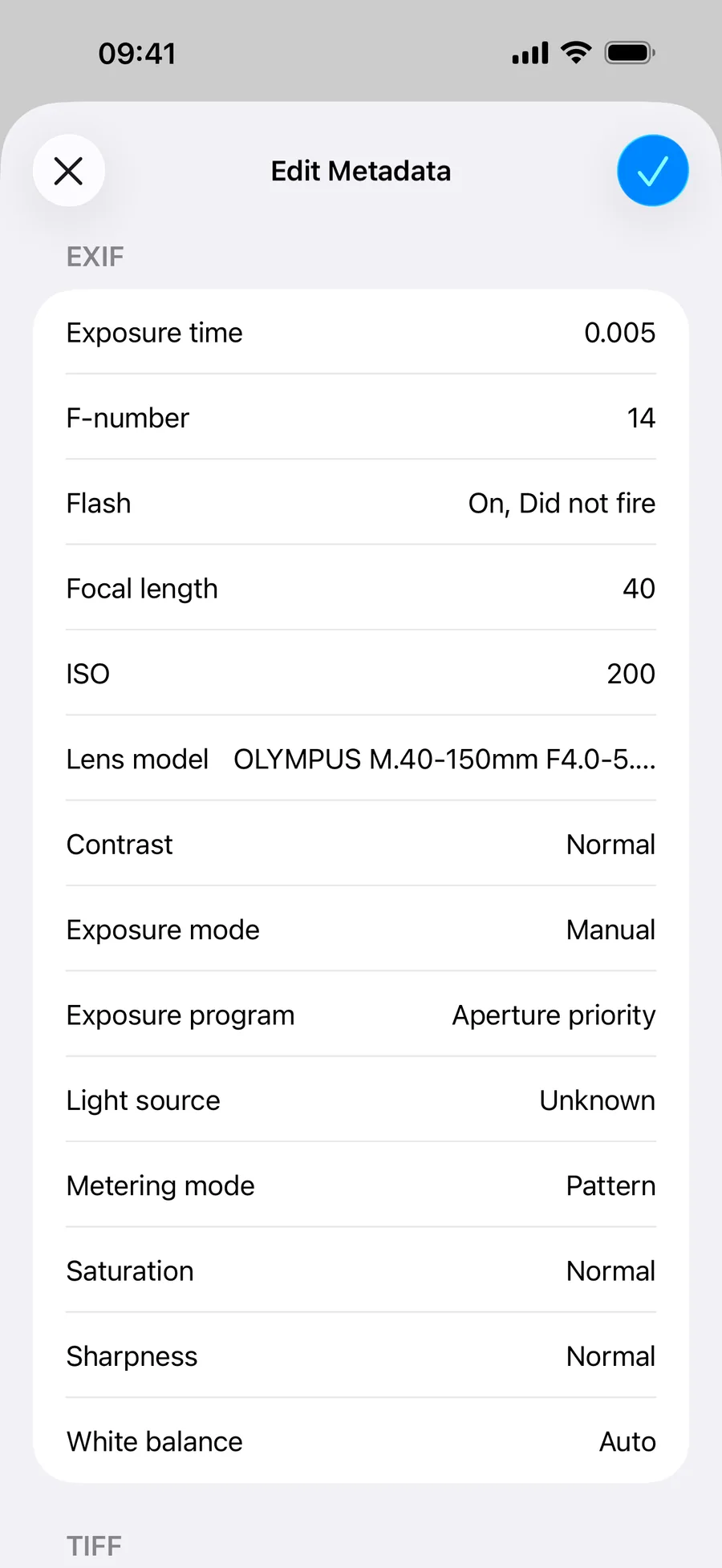
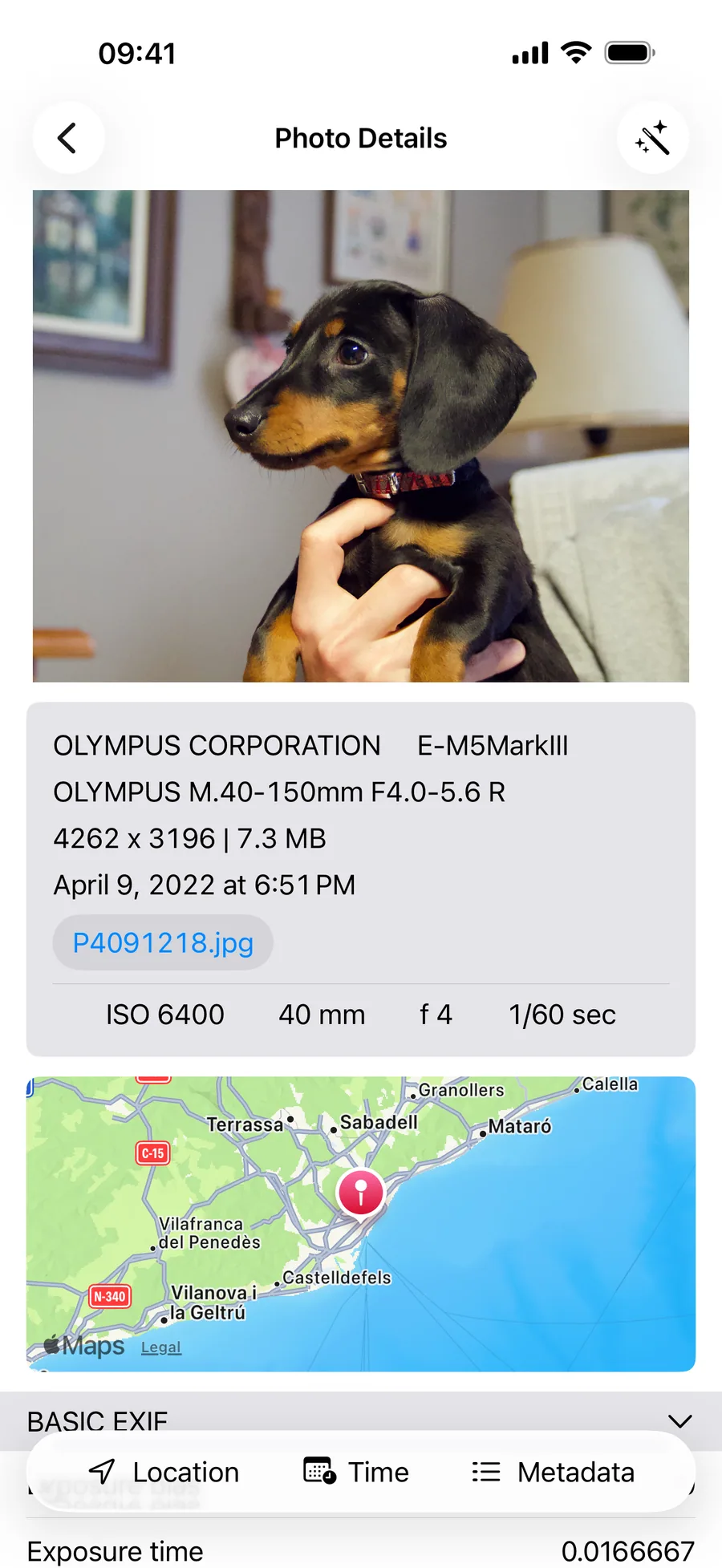
Every photo contains information about when and where it was taken, which camera was used, who created it and much more. Metadata Editor gives you a simple way to review and manage that information directly from your iPhone or iPad.
Fix the date on old photos, add missing locations, organise scanned film, protect your privacy or prepare images for a client. The best part? Do it all without opening your computer!
Explore EXIF, IPTC, GPS and other supported metadata. Check the camera, lens, ISO, aperture, shutter speed, location and dozens of additional fields.
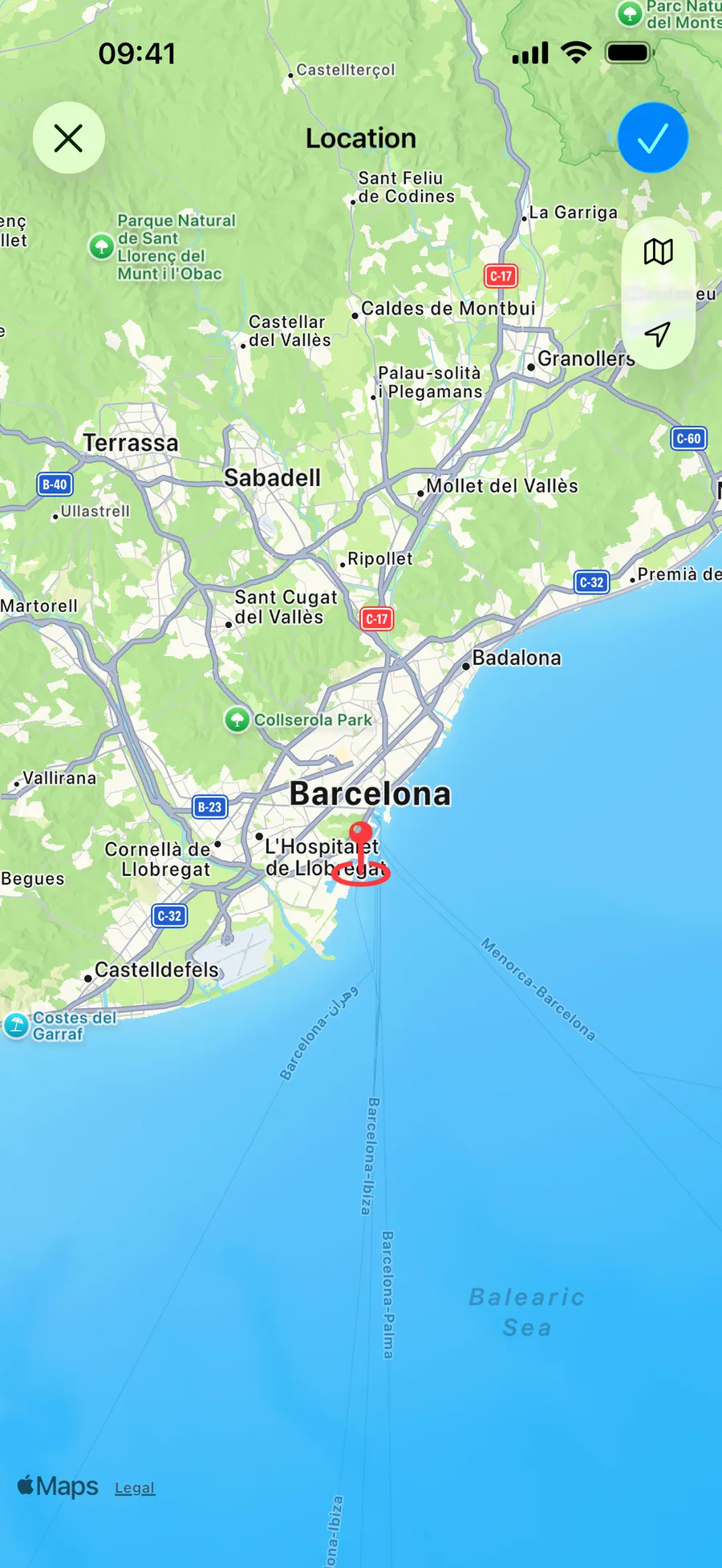
Correct the date, time or time zone of a photo. Add, change or remove its GPS location and see it on an interactive map.
Add titles, descriptions, keywords, creator details and copyright information to make your photos easier to organise, identify and protect.
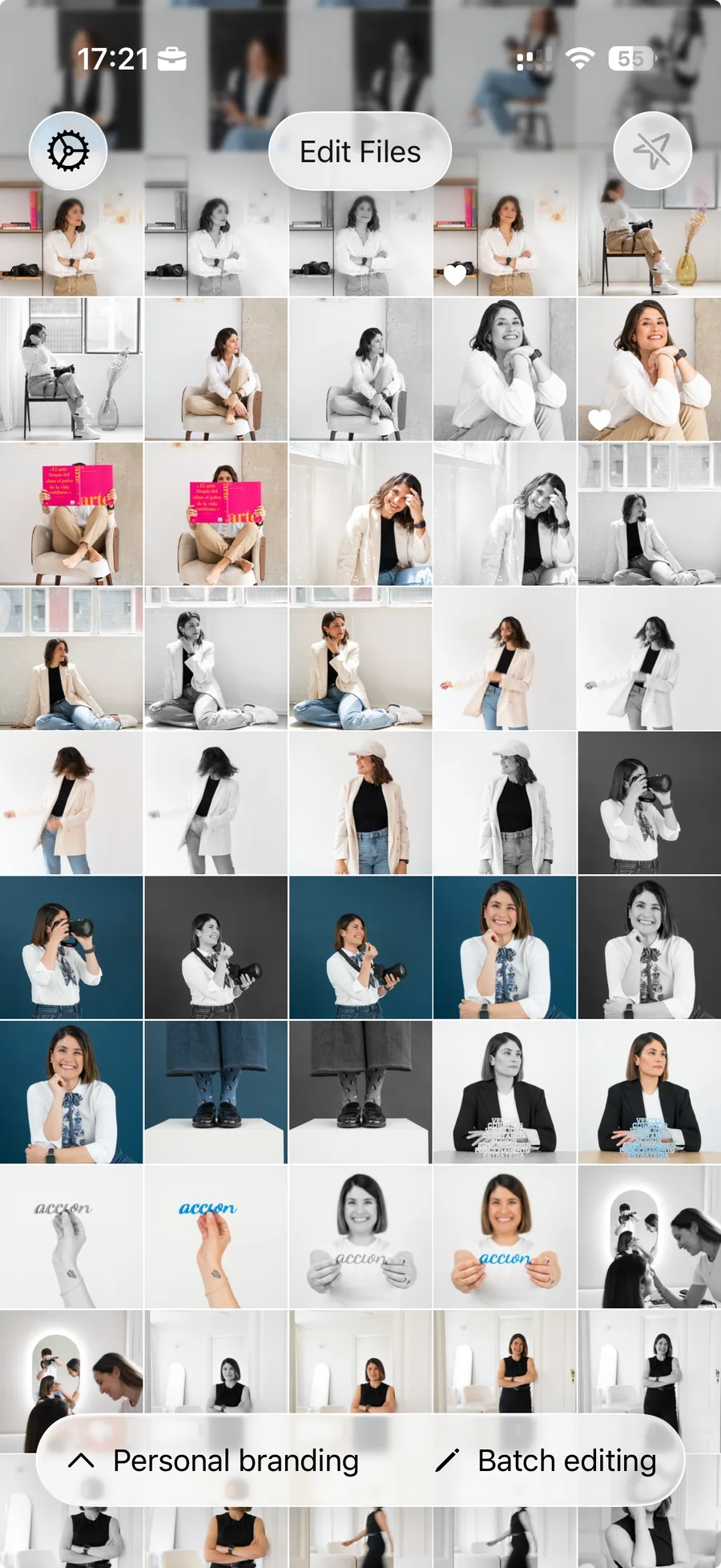
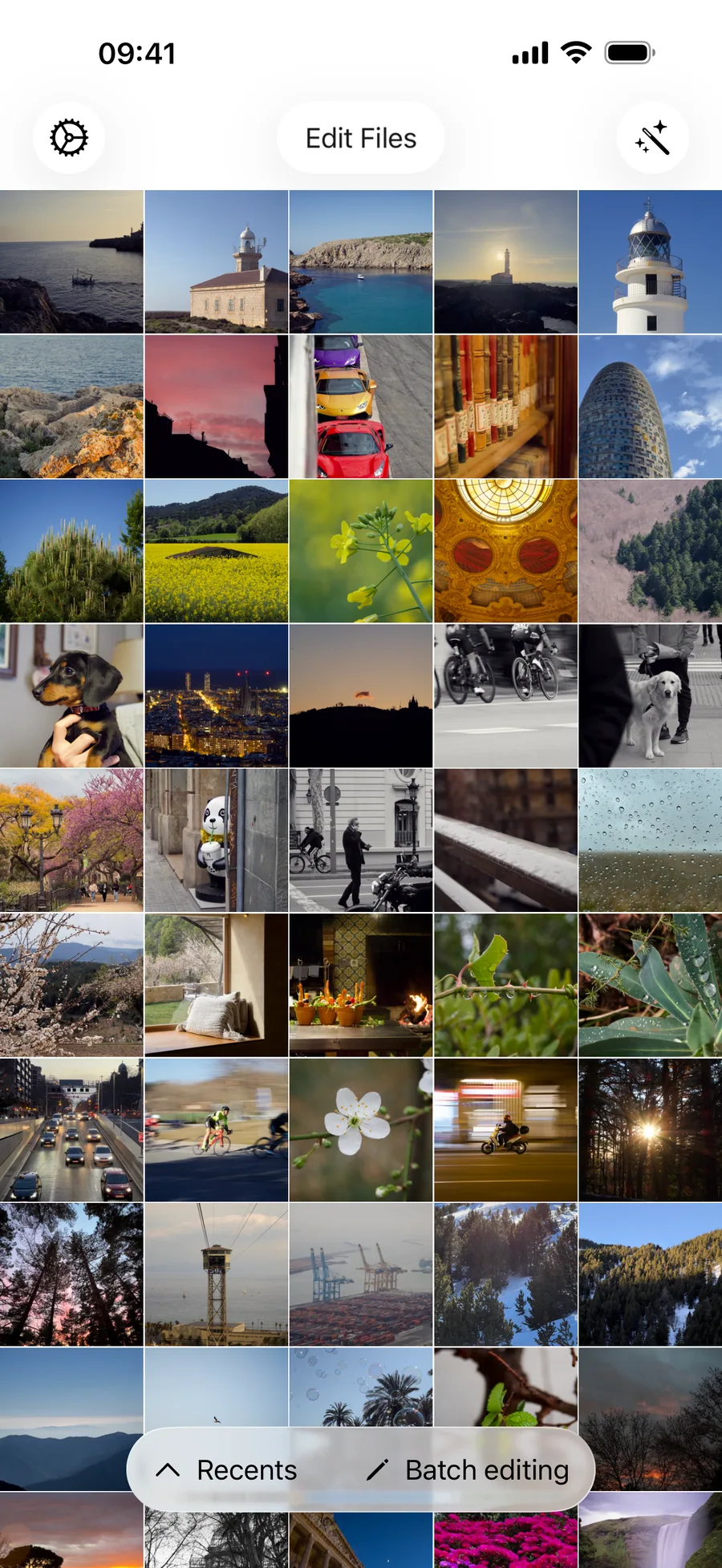
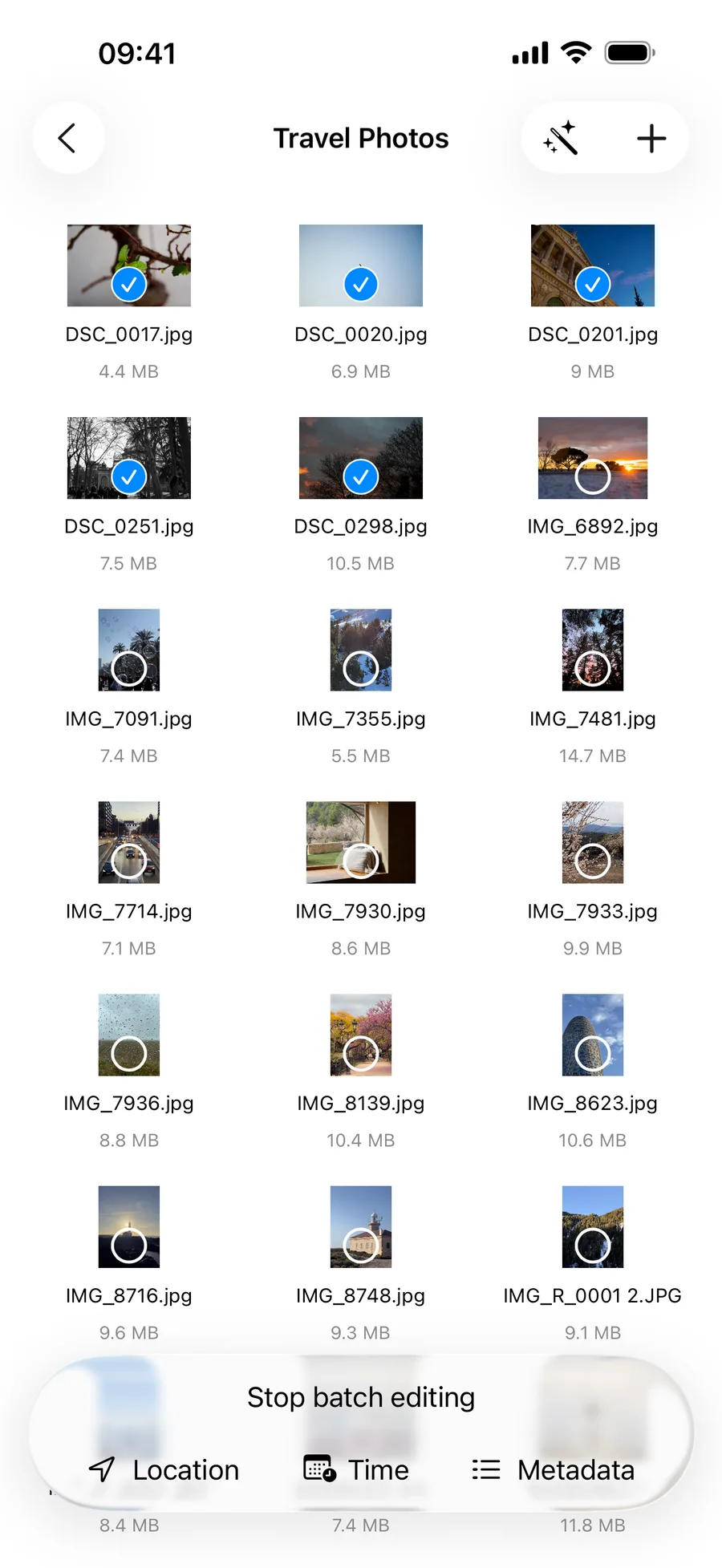
Update an entire trip, photo session or collection in one go with batch editing.
Open images from your photo library or from compatible locations available through Files, including folders and external storage.
Remove GPS coordinates or other metadata you do not want to include when sending or publishing a photo.
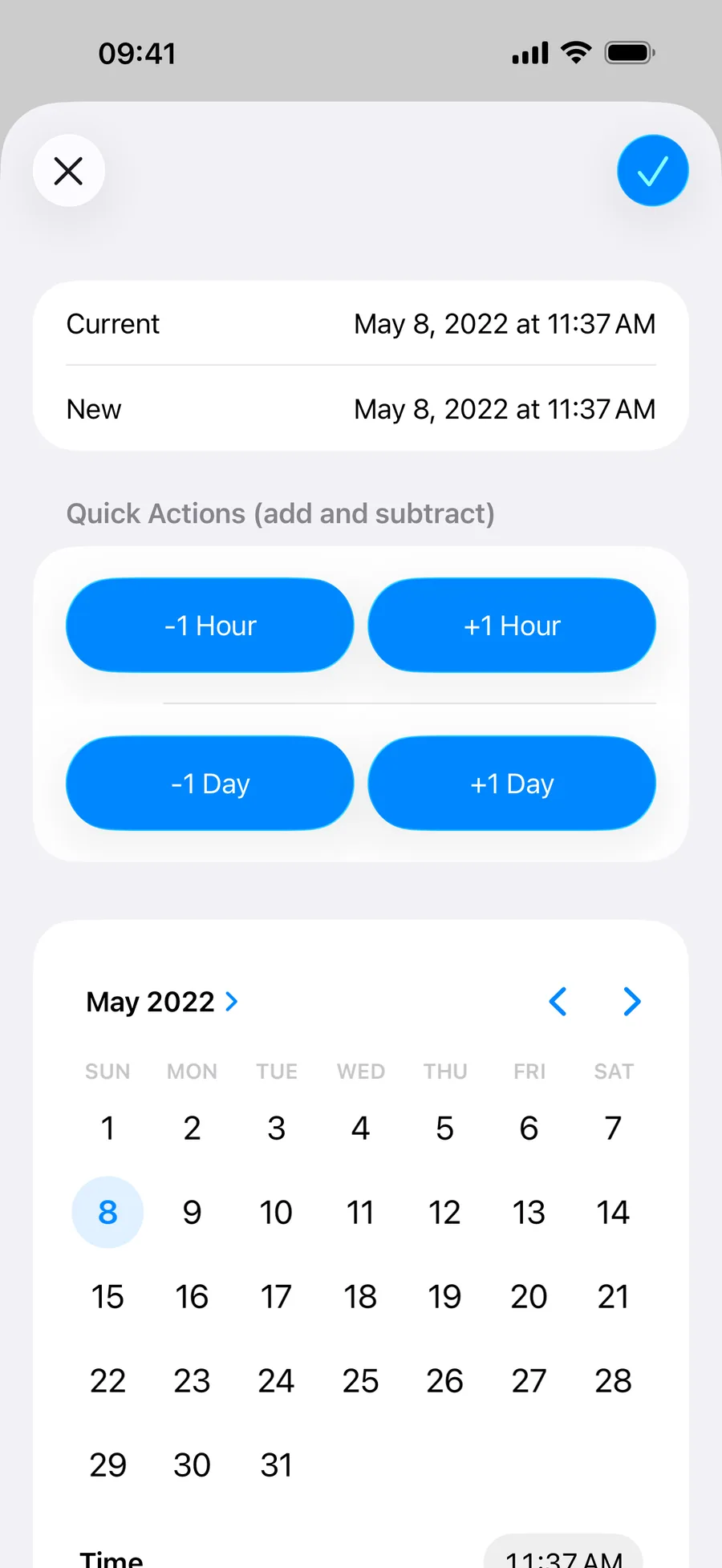
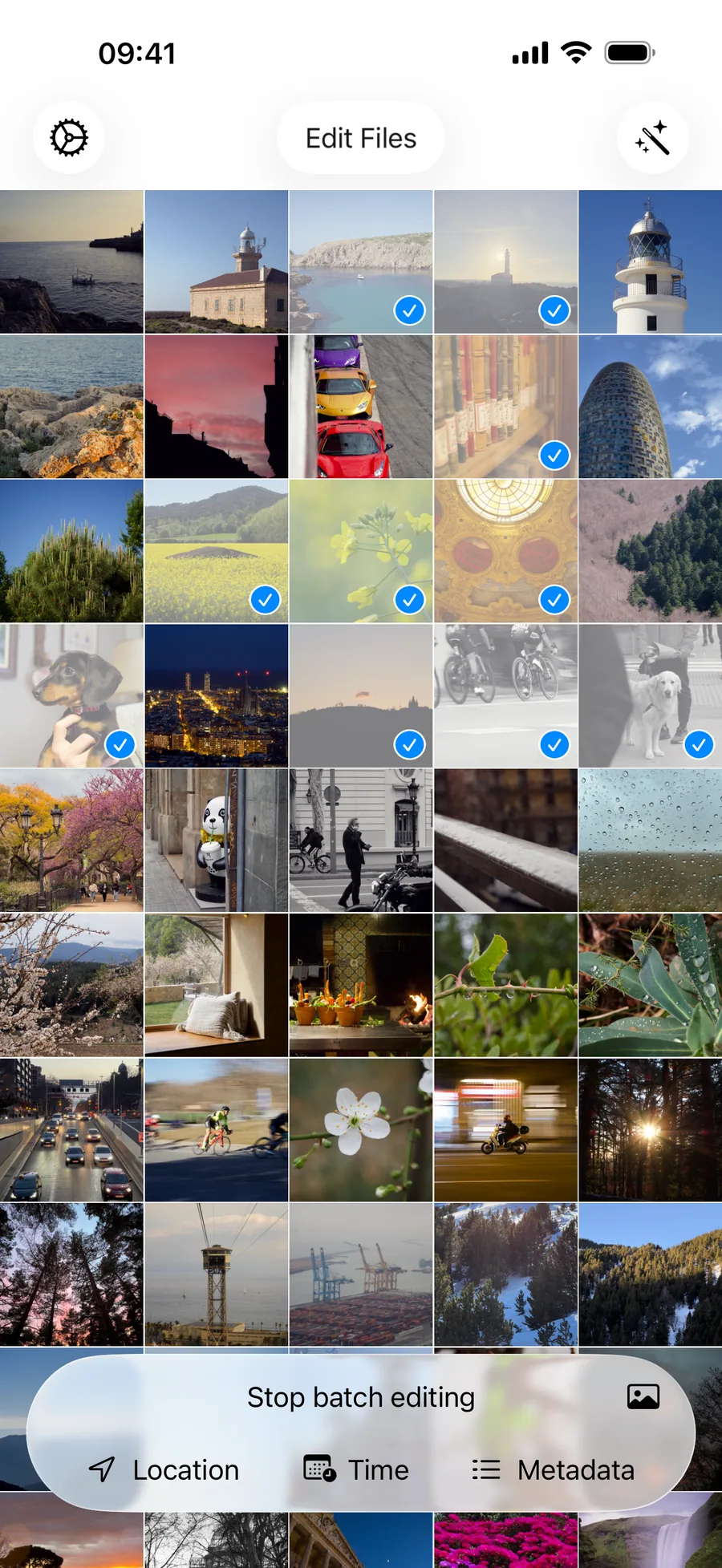
Keep your photo library accurate and organised. Correct the date and location of travel photos, add camera information to scanned film, update keywords or remove private information before sharing.
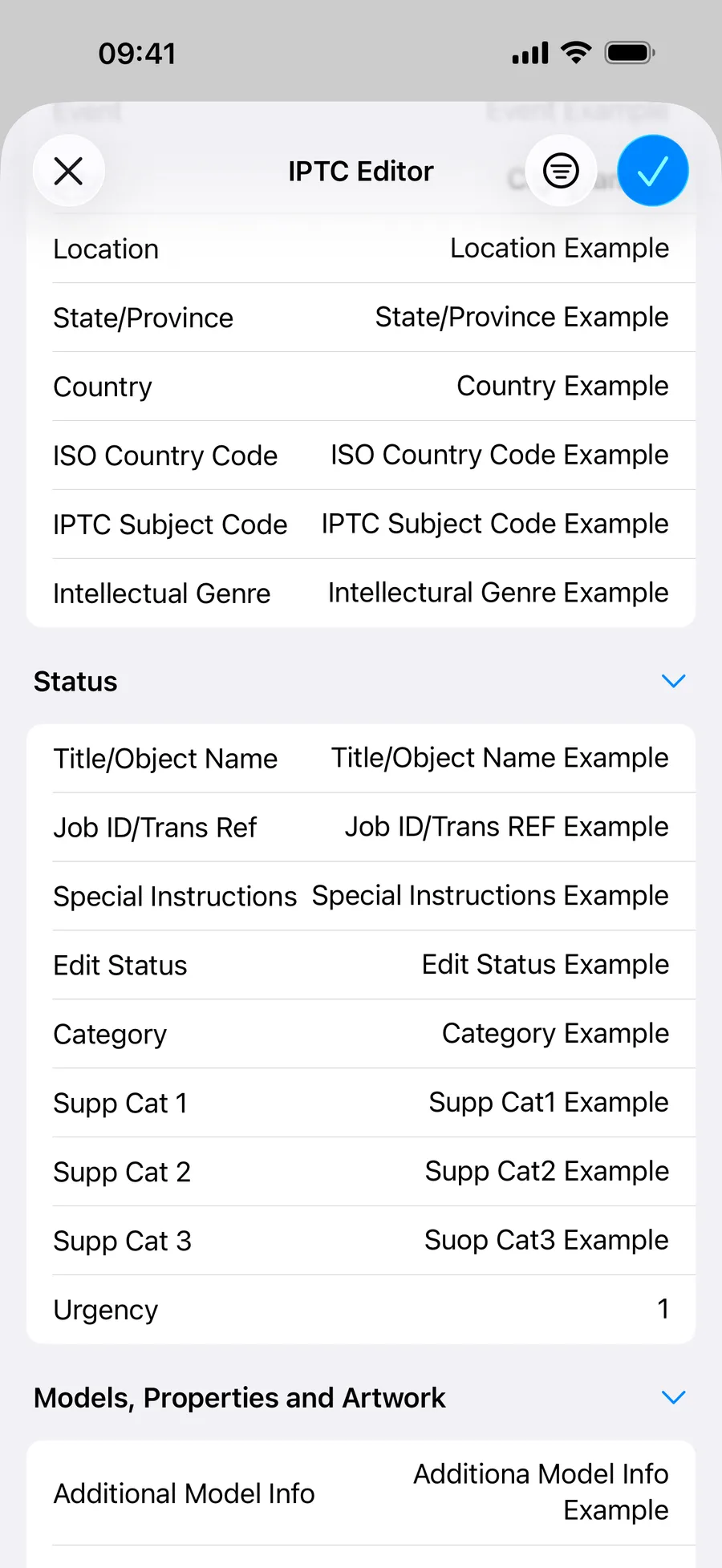
Add captions, copyright, creator information, keywords and other IPTC fields while working in the field. Use templates and batch editing to prepare photos for clients, stock libraries, agencies or editorial teams.
Work with metadata from popular camera RAW formats without returning to your desktop. Metadata Editor supports DNG, CR2, CR3, ARW, NEF, RAF, RW2 and ORF files.
Whether you are organising your personal archive or preparing images during an assignment, your RAW metadata tool can travel with you. You don’t need to carry your laptop; you can easily do it from your iPhone or iPad.
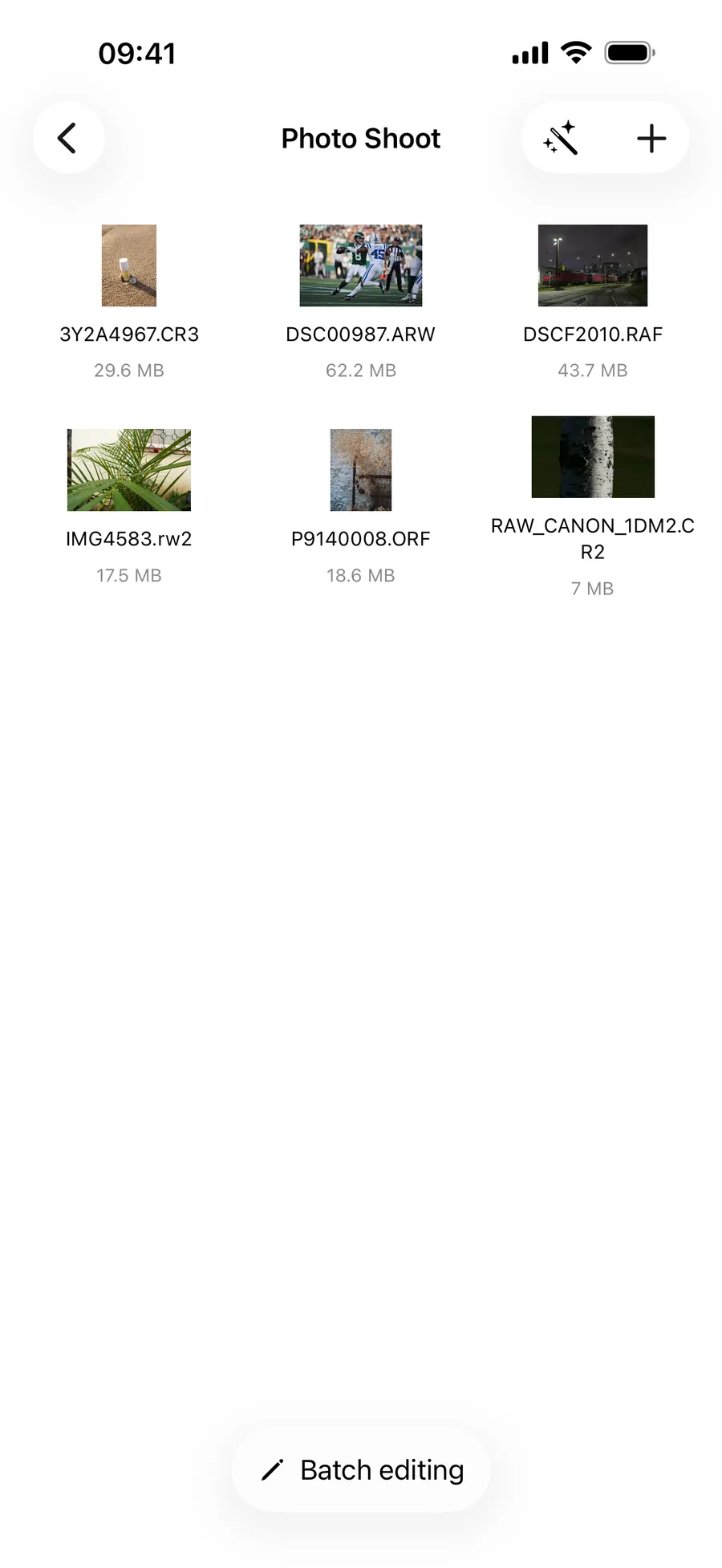
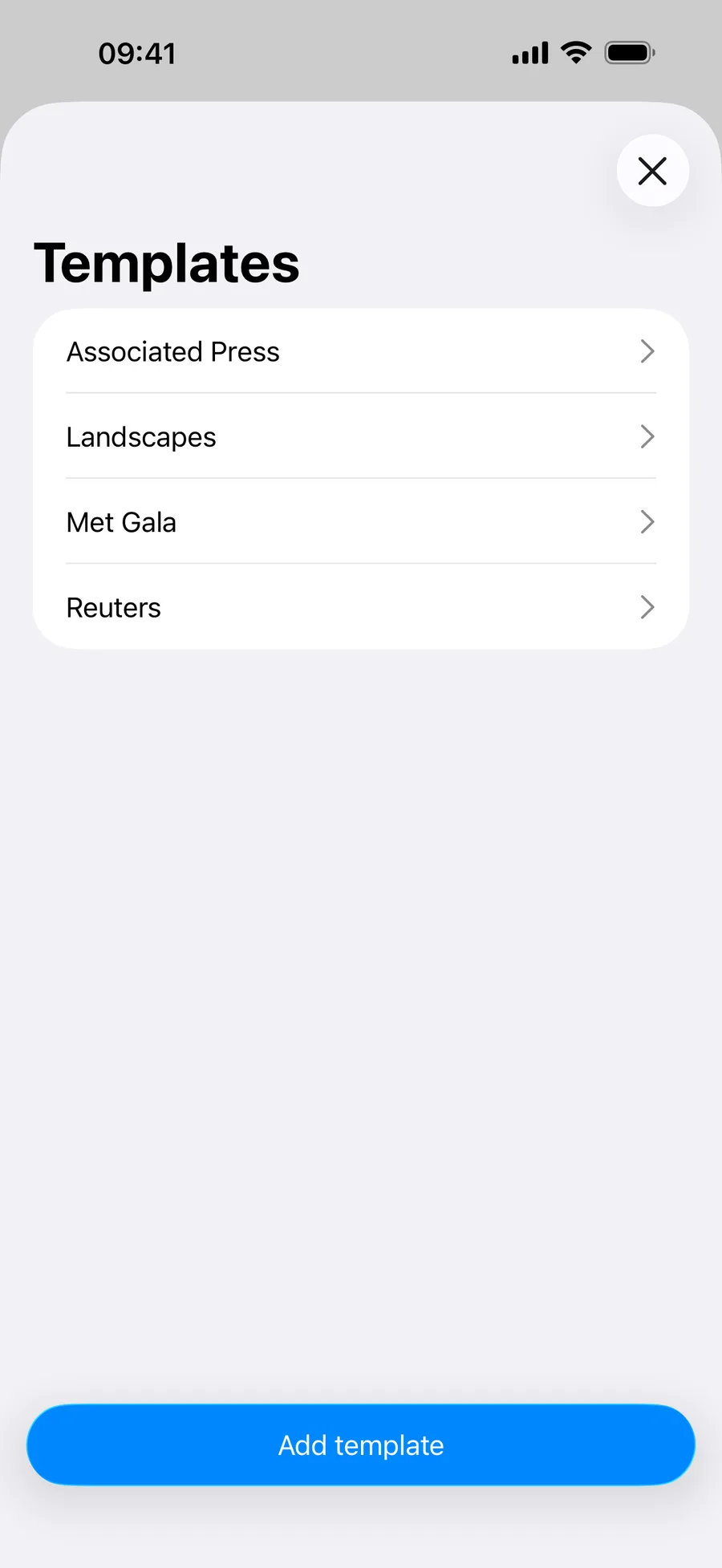
Create reusable IPTC templates and apply consistent metadata to multiple photos. Save the information you use regularly and spend less time entering the same details again.
Metadata Editor brings detailed photo metadata editing to the device you already carry. Make quick corrections at home, organise photos while travelling or prepare an assignment in the field using your iPhone or iPad.
Everything you need to know before editing your photo metadata on iPhone or iPad.
Photo metadata is the information stored with an image, such as its date, location, camera, lens and technical settings. It can also include descriptions, keywords, creator information and copyright details.
You may want to correct an incorrect date or location, organise scanned photos, add missing camera information, make images easier to find, protect your copyright or remove private information before sharing.
No. Metadata Editor is designed for anyone who wants more control over their photos, from people organising a personal library to professional photographers preparing images for clients and agencies.
We offer different kinds of subscriptions to make sure you pay just for what you need.
Yes. Metadata Editor lets you view and edit EXIF metadata information directly from your iPhone or iPad, including a wide range of camera, date and image fields.
Yes. You can edit IPTC fields such as headline, caption, description, creator, copyright, credit, location, keywords and so much more.
Yes. Metadata Editor supports metadata editing for DNG, CR2, CR3, ARW, NEF, RAF, RW2 and ORF files.
Yes. Batch editing lets you apply changes or templates to multiple selected photos, whether you are organising a trip, a personal collection or a professional shoot.
Yes. You can browse and edit images from your photo library and compatible locations available through Files.
Yes. You can adjust its date, time, time zone and location, or remove GPS information when you do not want it to be shared.
Yes. You can add missing information such as the camera, lens, ISO, exposure settings, date, location, description and keywords after scanning your film.
Yes. You can remove metadata, including potentially sensitive GPS information, before sharing or publishing a photo.
Metadata Editor can replace the metadata-editing part of a desktop workflow when you need to work on the go. It provides IPTC and EXIF editing, templates, batch editing and RAW metadata support, but does not attempt to replace Photo Mechanic’s complete desktop workflow.
Metadata Editor is free to download and try, as we offer a free trial for a few days so you can check the features. After the trial, we offer different subscriptions adapted to your needs, whether you are an amateur photographer wanting to keep your photo library organised, someone concerned about privacy who wants to remove metadata before sending a picture, or a professional photographer who needs to edit EXIF and IPTC quickly and easily from an iPhone or iPad.
Behind Metadata Editor you’ll find us, Andrés and Anna, an iOS developer and a photographer who are always ready to answer your questions and help you solve any issues you have while editing EXIF or IPTC in the Metadata Editor app.
You can also visit our user manual to find answers to the most common technical questions about Metadata Editor.
We are only — and always — an email away: metadataeditor_support@andrespiza.com.
We know that the Internet is full of metadata editor apps, and sometimes it’s difficult to choose one.
What you’ll find in Metadata Editor is a team of two behind the product, thinking, creating and always trying to make your workflows easier.
We are Andrés and Anna, an iOS developer and a photographer from Spain. We’ve been working on Metadata Editor for the last four years, starting from scratch with the goal of making photographers’ workflows easier and more accessible.
We might leave our computers behind, but we almost always have our iPhones with us, so we know what a powerful tool we carry everywhere.
We read all your emails, answer your requests and continuously work on new features based on your needs. We value your feedback, constantly make sure the app is working properly and update it every year so it works on the latest iPhone and iPad models.
Behind Metadata Editor you will find two human beings who want to make your life easier, whether you need to erase metadata from your phone for privacy, you are an enthusiastic amateur photographer who wants to keep their photos organised, or a photojournalist who values quick and easy ways to modify EXIF and IPTC from their phone — and prefers to leave their computer behind to reduce back pain.
We are only — and always — an email away: metadataeditor_support@andrespiza.com.
From simple date corrections to professional EXIF, IPTC and RAW workflows, Metadata Editor gives you control of your photo information wherever you are.